When can I try Fragment?

We’re inviting people from the waitlist in small groups while we finish Fragment. Join with your email, and we’ll write when your invite is ready.
What is Fragment?
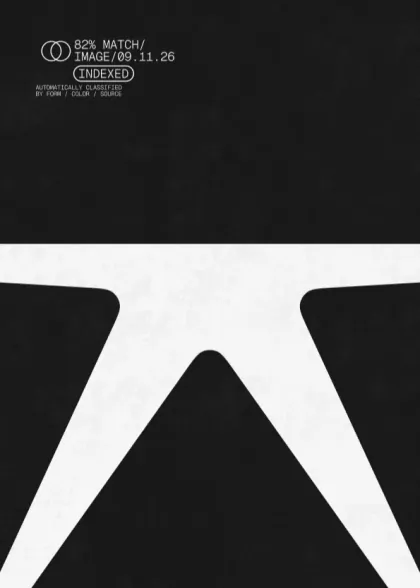
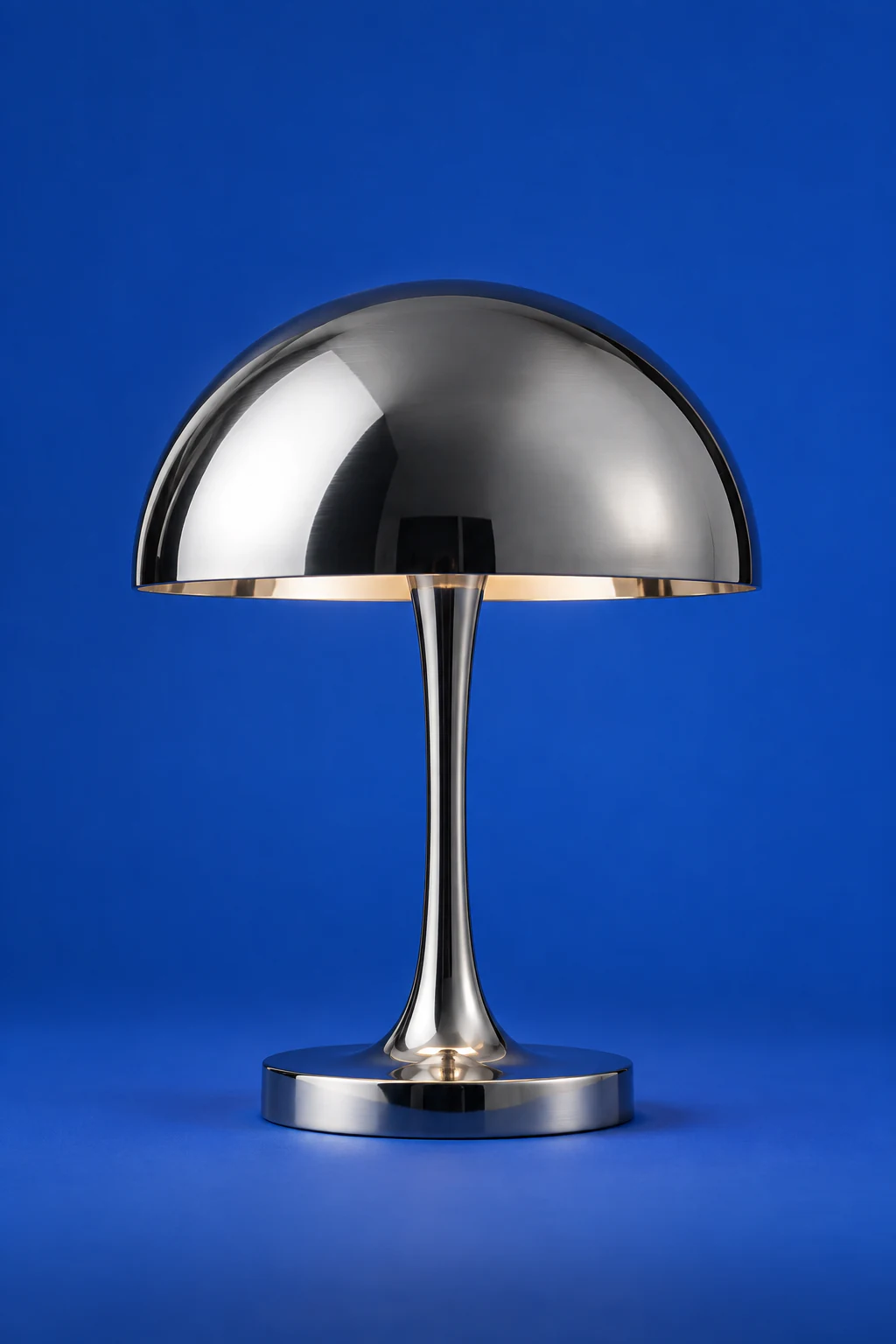
Fragment is a visual reference manager for Mac and Windows, made for designers, art directors, photographers, filmmakers, and other people who collect visual references. You save images, videos, and websites from your browser, your phone, or your files. Fragment analyzes each one and adds attributes such as subject, style, mood, composition, and color, so you can find a reference later by describing it, by its colors, or by the text inside it, without tagging anything yourself.
What makes Fragment different?
Three things. It organizes for you: every reference gets descriptive attributes automatically. It finds by meaning: search for “quiet poster with a lot of white space” or for a word that appears in a screenshot. And it keeps one library everywhere: saved from Chrome or your phone, synced through Fragment Cloud, with original files available on your computer. Smart Views collect matching references on their own, Find Similar shows what looks alike, and Shared Collections let a team build a Collection together.
Can I find an image by the text in it?
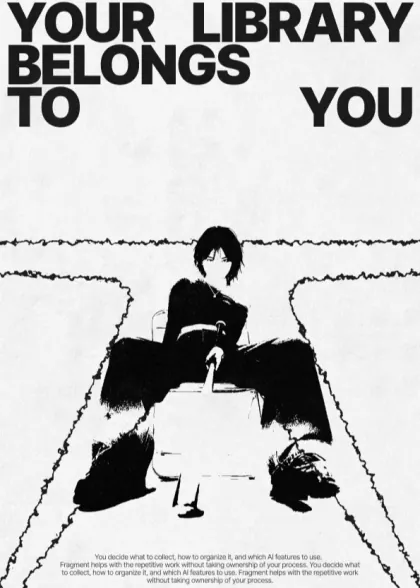
Yes. Fragment reads the text in screenshots, posters, and interfaces, so searching for a word or phrase finds the images that contain it, alongside results that match by meaning.
How does Fragment compare to Eagle, Pinterest, or mymind?
Eagle is a local library you organize by hand; Fragment organizes automatically and syncs through the cloud. Pinterest is for discovering images other people posted; Fragment is a private library of the references you keep. mymind saves everything worth remembering; Fragment is built for visual work, with attributes, filters, and Collections. Read the full comparisons: Fragment vs Eagle, Fragment vs Pinterest, Fragment vs mymind.
Can I share a Collection with my team?
Yes. Invite up to 10 people by email to a Collection. Everyone can add references, and they appear for all of you. Your notes and your own tags stay private.
Do I have to organize everything myself?
No. Fragment adds attributes that help describe and find your references. You can refine those details and create your own Collections or Smart Views.
What can I do on my phone?
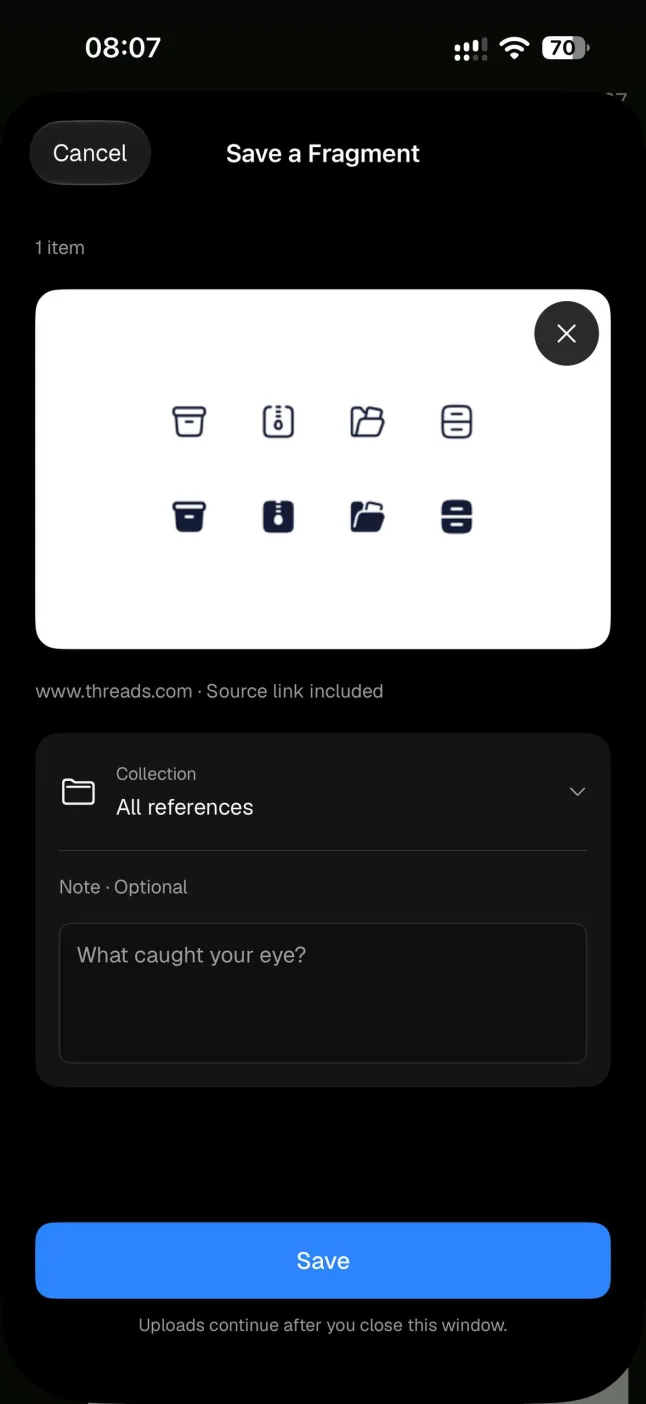
The iOS and Android apps are for capturing references. Save from your phone, then use Fragment on Mac or Windows to organize, search, and explore your library.
How does the Chrome extension work?
The extension saves references from the browser into Fragment. Your desktop app needs to be running for browser capture.
Can I use Fragment offline?
You can use downloaded originals and cached library data offline. Cloud downloads, syncing, and new AI analysis need an internet connection.
Does Fragment support video?
Yes, alongside images, GIFs, and websites. AI uses a representative video frame to add visual attributes; it does not analyze the full clip or audio. For websites, it reads the page text and a screenshot.
Can I keep my original files on my computer?
Yes. Originals download when you open them. In Cloud settings, turn on “Keep the entire library on this device” to download all originals, including new additions. Already downloaded files stay on the device.


 Your visual reference library

 For people who think in images
 Smart Organization

 Smart Search
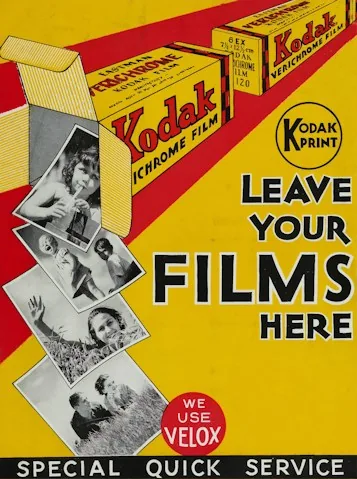
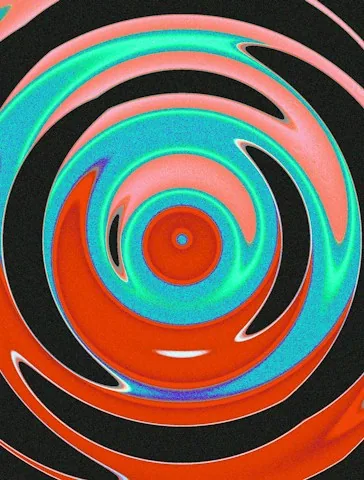
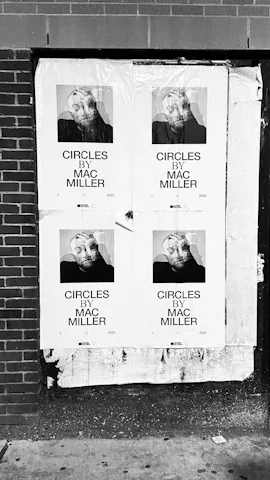
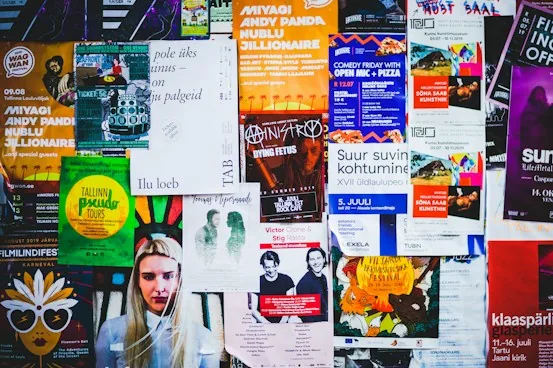
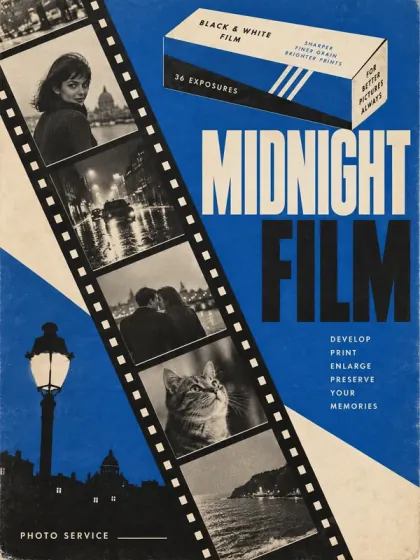
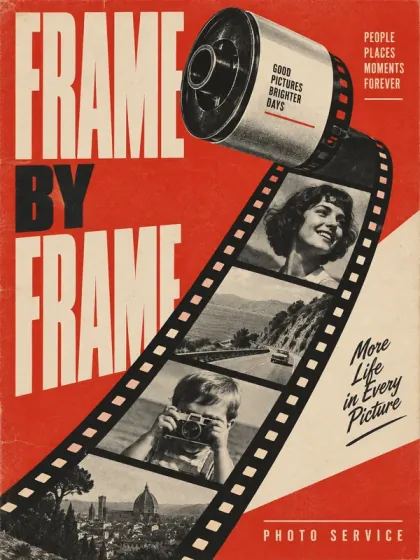
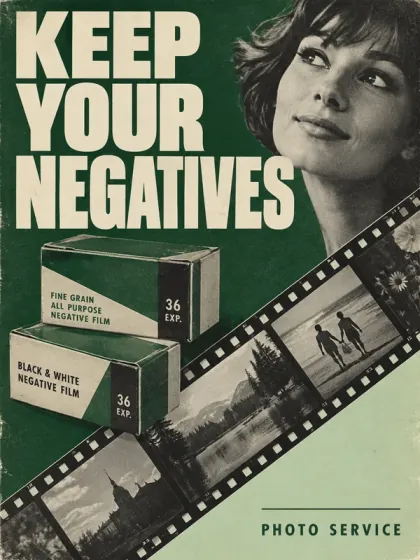
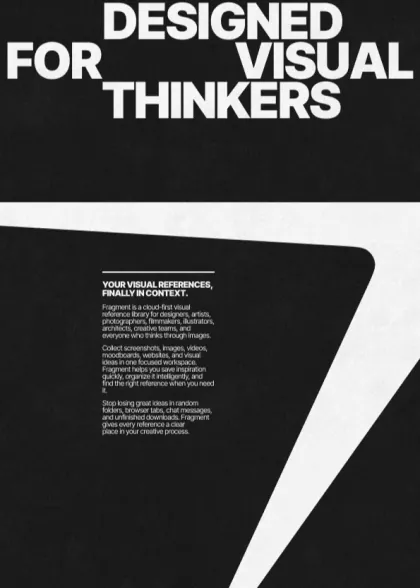
 Vintage graphic posters

 Shared Collections

 Capturing




 Let Fragment organize

 Create a new Collection








 FAQ