

Compare
Fragment vs Pinterest
Pinterest is where you discover images other people posted. Fragment is where you keep the ones that matter, and find them again.
| Feature | Fragment | |
|---|---|---|
| A library with no ads or feed | ||
| Keeps the original file | ||
| Websites, videos, and files in one library | ||
| Subject, style, and mood added automatically | ||
| Search your own library by text in images | ||
| Desktop app with offline files | ||
| Collections shared with a team |
Where they differ.
What it is for
Discovering new images in an endless public feed.
Fragment
Keeping your own references and finding them again.
What you keep
A pin that points to someone else’s post. It can disappear with its source.
Fragment
The file itself at full size, with its source link, your notes, and its palette.
Organizing
Boards and sections you create by hand.
Fragment
Subject, style, mood, and color are added to every reference as it is saved.
Finding
Search across everything public on Pinterest.
Fragment
Search your own library by meaning, by color, or by the text inside an image.
Privacy
A public profile, recommendations, and ads.
Fragment
A private library. No feed, no ads, nothing public.
Which one is for you?
Pinterest is for you if
- You are looking for new inspiration, not organizing what you already have.
- You want recommendations and an audience for your boards.
- You want something free.
Fragment is for you if
- Your references come from many places: screenshots, client files, websites, your camera roll.
- You need the actual file, even when the original post is gone.
- You remember how an image looked, or a word on it, but not its name.
- You collect references with a team.
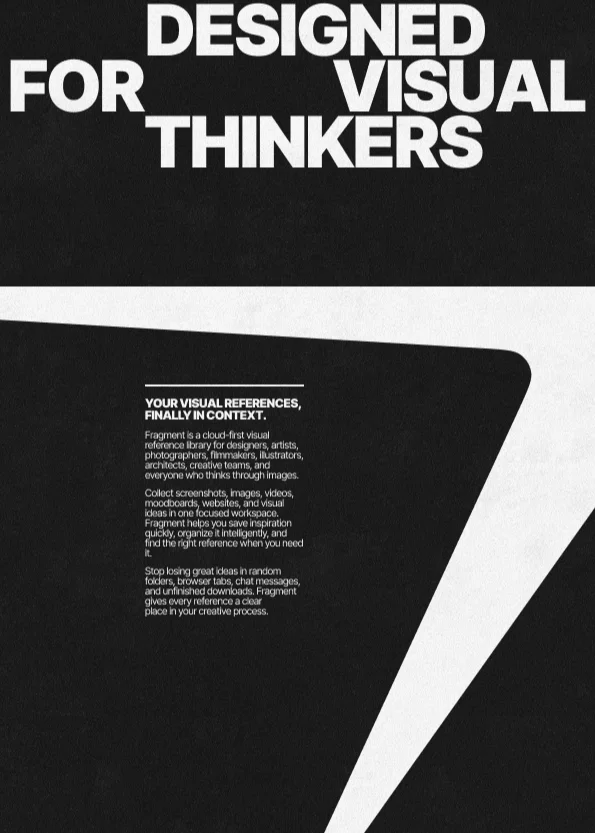
Put your inspiration
to work.
Fragment is in early access for Mac and Windows.