

Compare
Fragment vs mymind
Both save without folders and let AI do the sorting. mymind is for everything worth remembering. Fragment is for the references a visual project is built from.



| Feature | mymind | Fragment |
|---|---|---|
| Organizes without manual tagging | ||
| Reads text inside images | ||
| Filter by style, mood, and composition | ||
| Collections that fill themselves | ||
| Shared Collections for a team | ||
| Original files on your computer, offline | ||
| Mac and Windows apps |
Where they differ.
What it is for
mymind
Notes, articles, quotes, products, and images in one private space.
Fragment
Visual references: posters, interfaces, photography, film stills, type.
Organizing
mymind
Automatic tags, with no folders by design.
Fragment
Attributes made for visual work: subject, style, mood, composition, and palette.
Finding
mymind
Keyword search across everything you saved.
Fragment
Search by meaning, then narrow by style, color, type, or shape.
Where it lives
mymind
A cloud service you open in the browser and on your phone.
Fragment
Mac and Windows apps with a synced library and original files kept offline.
With a team
mymind
A private space for one person.
Fragment
Shared Collections for up to 10 people. Everyone adds, everyone sees.
Which one is for you?
mymind is for you if
- You want one calm place for notes, articles, and bookmarks as well as images.
- You mostly work in the browser and on your phone.
- You like having no structure at all.
Fragment is for you if
- Your library is mostly visual.
- You want to filter by style, mood, palette, or shape, not only by keyword.
- You want a desktop app with your original files available offline.
- You collect references with a team.

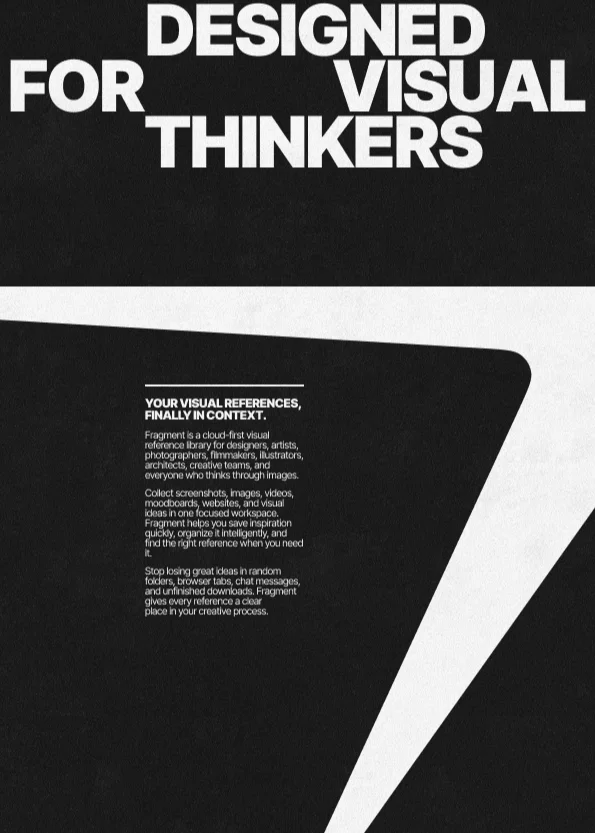







Put your inspiration
to work.
Fragment is in early access for Mac and Windows.